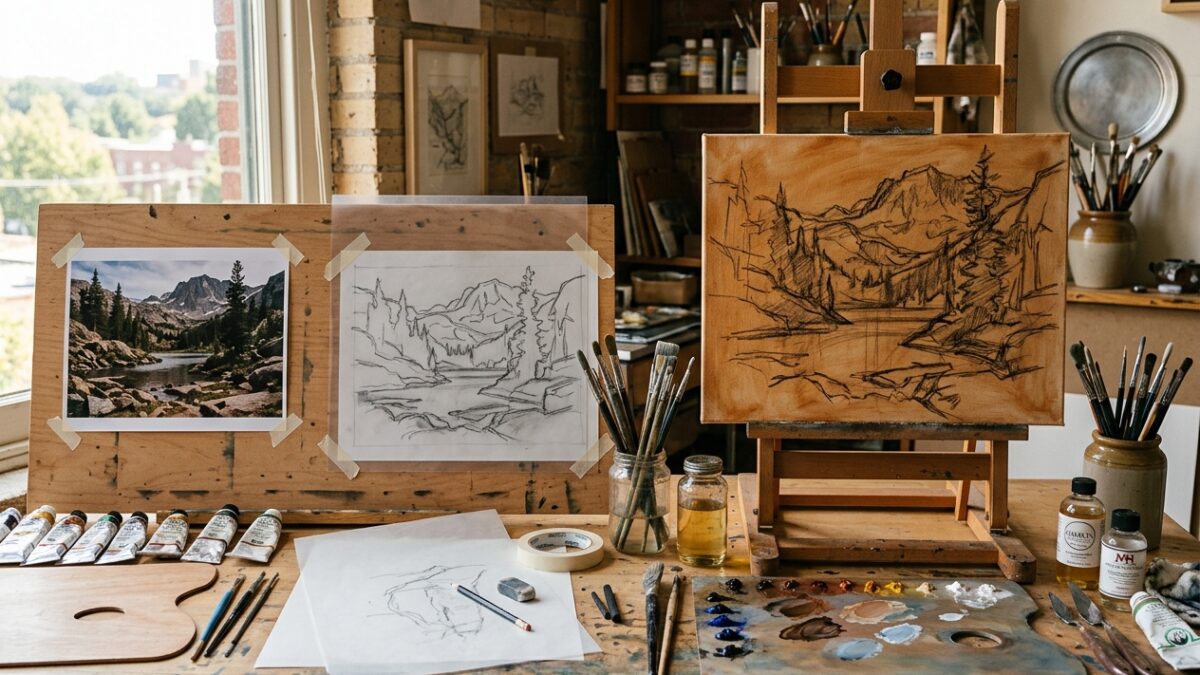
From Photo to Canvas: The Step-by-Step Atelier Prep Workflow for Modern Painters
Master the complete 4-stage atelier preparation pipeline: palette extraction, contour tracing, grid scaling, and imprimatura underpainting block-in.
✨ Free Studio-Grade Browser Tools for Artists
Pintado provides free, privacy-first Canvas art tools to elevate your traditional and digital craft. Mix paints realistically with subtractive RYB color science, generate clean printable coloring pages from photos, and scale reference proportions with precision grids — 100% in your browser.
Engineered with the HTML5 Canvas API to process your visual media entirely inside your device’s memory. Fast, private, and always zero-cost.
Stop guessing paint mixes with misleading RGB monitors. Pintado utilizes subtractive RYB pigment math so Yellow and Blue produce lush Green, not gray. Plus, extract 6-color palettes from photos.
Transform portraits, pet photos, or architectural shots into crisp, printable line art outlines. Adjust line thickness, suppress shading noise, and print directly for watercolor tracing or coloring.
Scale reference photos accurately onto your canvas or watercolor sheet. Configure grid density, diagonal sight-lines, coordinate markers (A-Z, 1-N), and line opacity for seamless sketching.
Whether you are blocking in an acrylic underpainting, transferring a watercolor portrait, or exploring color harmonies, Pintado makes prep effortless.
Drop any reference photo, still life capture, or portrait into the browser. Photos are parsed exclusively in local RAM via HTML5 Canvas — zero cloud uploads.
Use interactive sliders to dial in grid density, adjust line edge thickness, or blend custom subtractive paint ratios to verify your planned palette.
Export full-resolution PNG outlines or gridded reference sheets with burned-in coordinates. Print directly on watercolor paper or sketch freehand with perfect proportion.
Master the complete 4-stage atelier preparation pipeline: palette extraction, contour tracing, grid scaling, and imprimatura underpainting block-in.
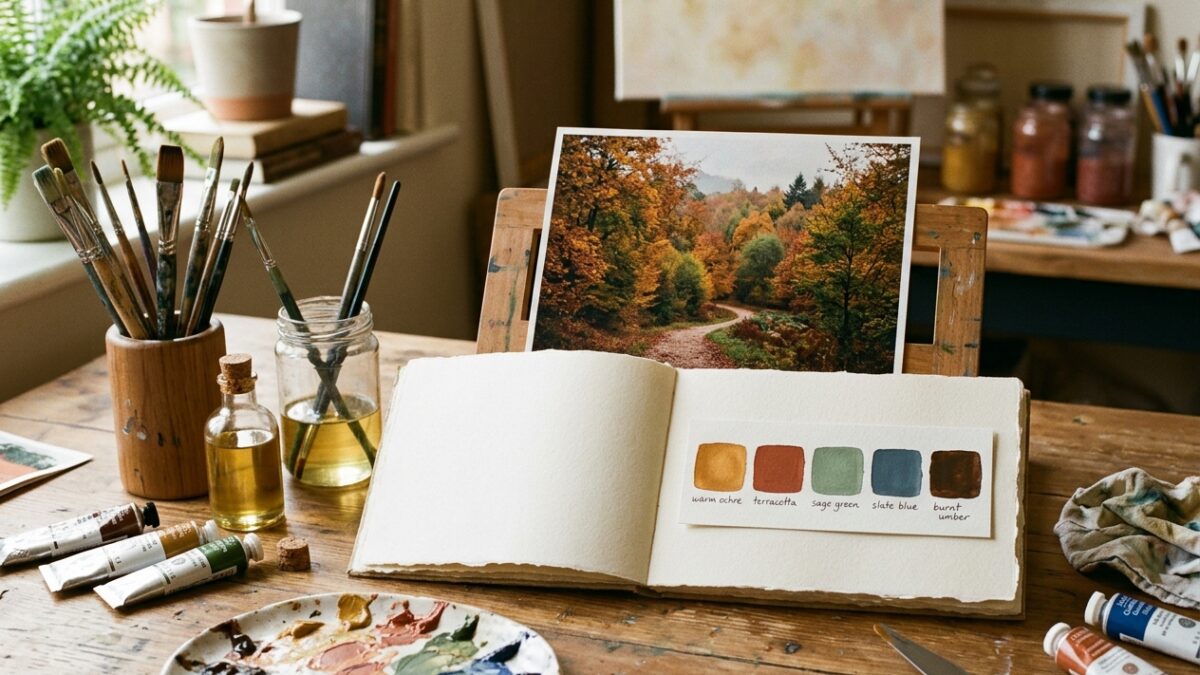
Overwhelmed by too many paint tubes? Learn how to extract a harmonious 5-color limited palette from any reference photo for…
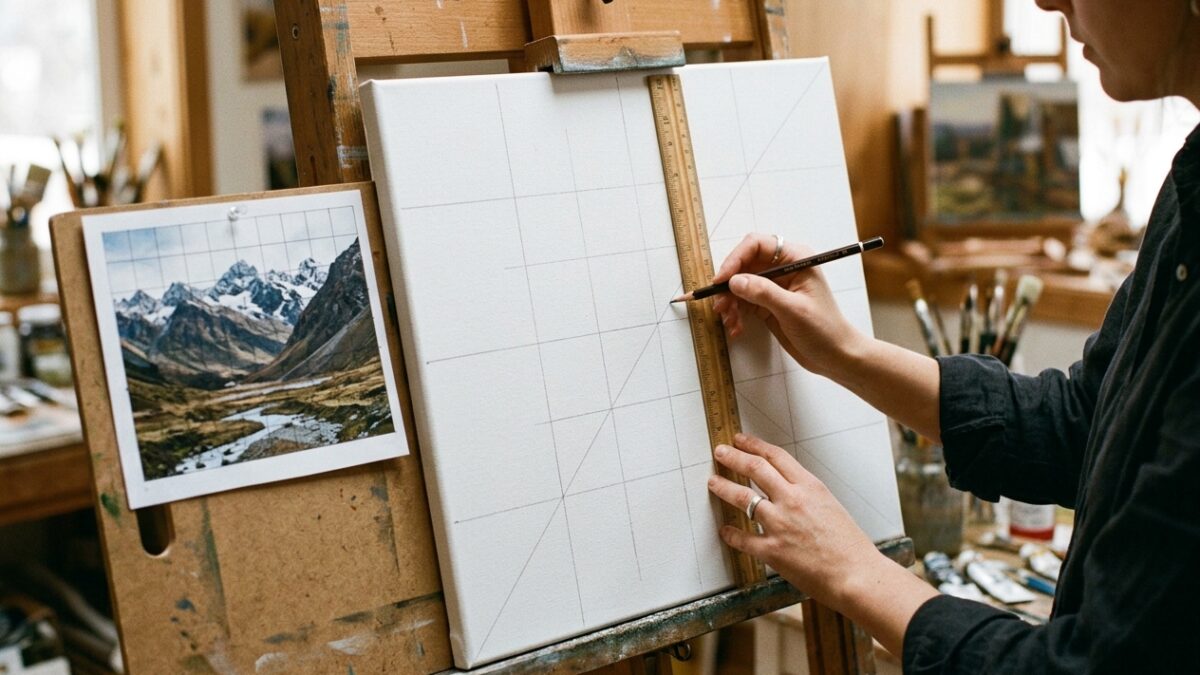
Master the grid method for drawing and canvas painting. Learn exact ratio formulas, grid density rules, sight-line diagonals, and avoid…
Most online image tools quietly upload your personal photos to third-party cloud servers. Pintado is architected differently: everything happens in your device’s browser memory.
Your photos, family portraits, and reference images never touch our servers. Zero upload attack surface, zero data leaks.
Because processing is local, image conversions and slider tweaks happen in real time without laggy network round-trips.
Subtractive paint physics instead of naive RGB averaging, giving you true color results that match real physical paint tubes.
Get free pigment mixing recipes, classical transfer tutorials, and new tool announcements delivered once a month. No spam, ever.
Clear answers regarding image privacy, color theory science, and printing recommendations.