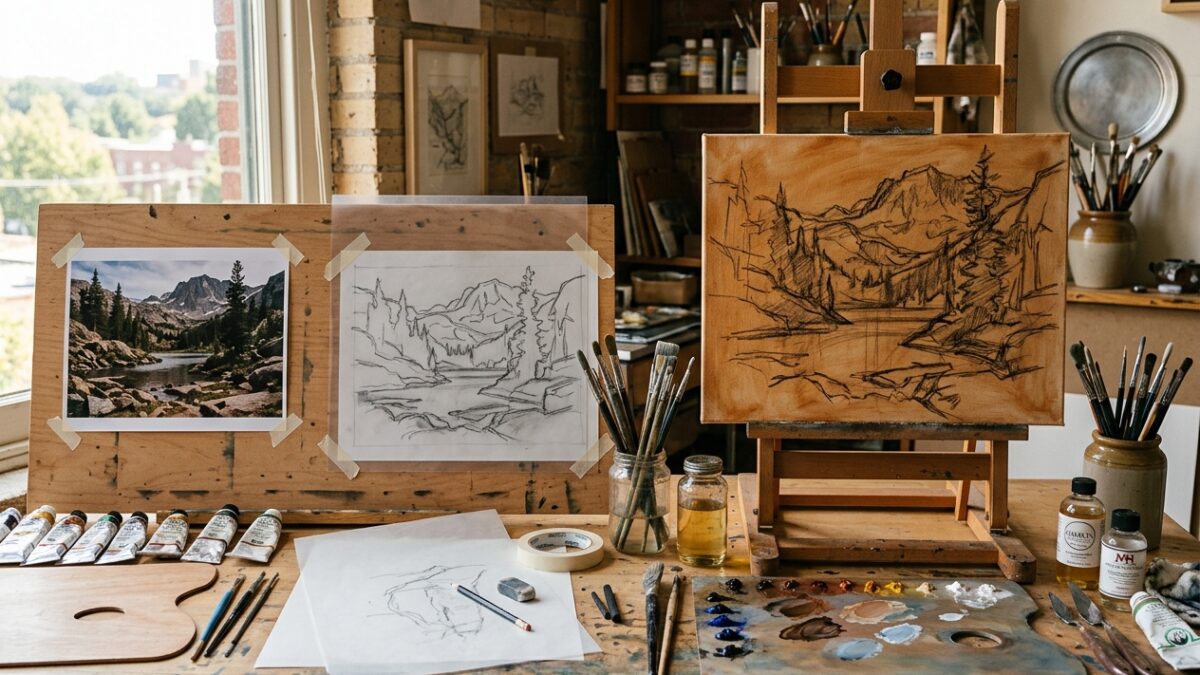
From Photo to Canvas: The Step-by-Step Atelier Prep Workflow for Modern Painters
Master the complete 4-stage atelier preparation pipeline: palette extraction, contour tracing, grid scaling, and imprimatura underpainting…
Master painters throughout history have shared one fundamental secret: “Color gets the glory, but value does all the work.” When an artwork fails to hold the viewer’s eye or feels chaotic, the issue is almost never the color choice; it is almost always weak underlying value structure. In Japanese aesthetics, this foundational balance of light and dark masses is known as Notan. Pintado’s Value Study & Notan Converter simplifies any complex reference photograph into its essential tonal anatomy. In 2-Value Notan mode, it strips away distracting textures and hues to expose the stark graphic interplay of positive and negative shapes. In 3-Value and 5-Value posterization modes, it clusters pixels into crisp tonal planes (shadow, midtone, and highlight), making it effortless to map underpaintings and block-in washes with oils, acrylics, or watercolor. All computation runs 100% client-side in your browser, guaranteeing total privacy.
Click to browse or drag and drop your reference photo here
Drag and drop your landscape, still life, or portrait into the upload box. The image is parsed directly inside your device’s memory using HTML5 Canvas—no files are uploaded or stored on any external server.
Select 2-Value Notan to test if your composition works as a stark black-and-white graphic statement. Switch to 3-Value to isolate your core shadow masses, halftone forms, and highlights. Use 5-Value Posterize or Full Grayscale to study smooth continuous tonal gradations.
Fine-tune the threshold, contrast, and brightness sliders to isolate focal points. Review the live Tonal Distribution meter to see the exact percentage of dark, midtone, and light values in your composition, then download your study as a high-resolution PNG.
Master the complete 4-stage atelier preparation pipeline: palette extraction, contour tracing, grid scaling, and imprimatura underpainting…
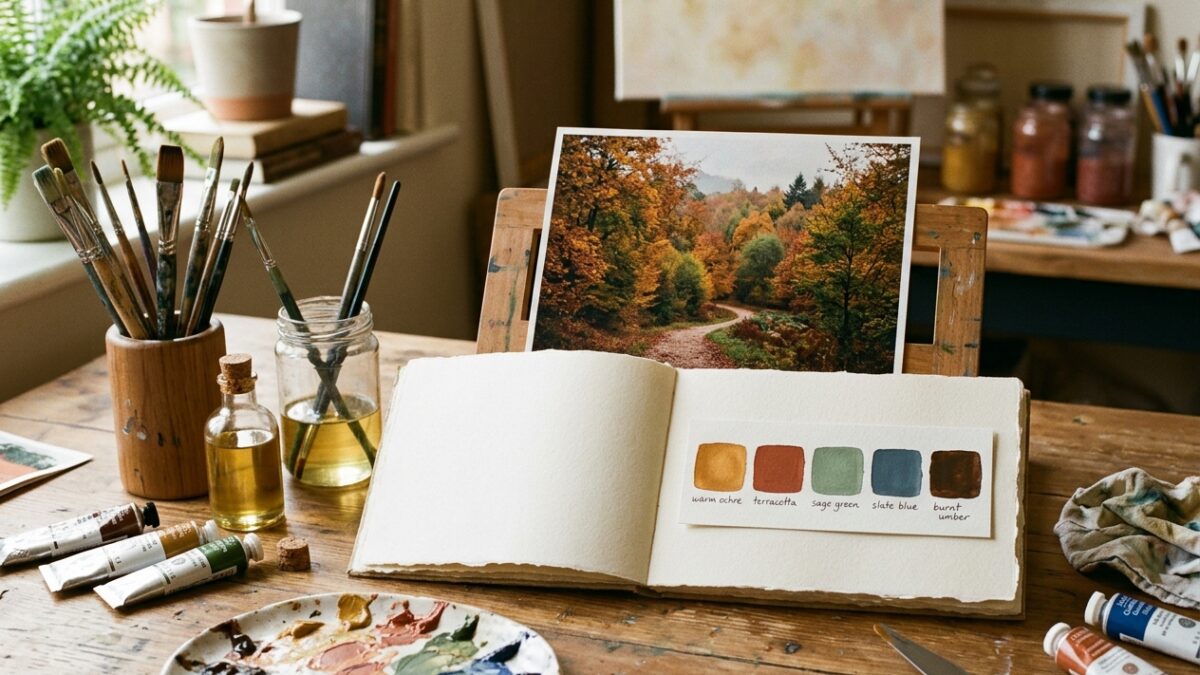
Overwhelmed by too many paint tubes? Learn how to extract a harmonious 5-color limited palette from…
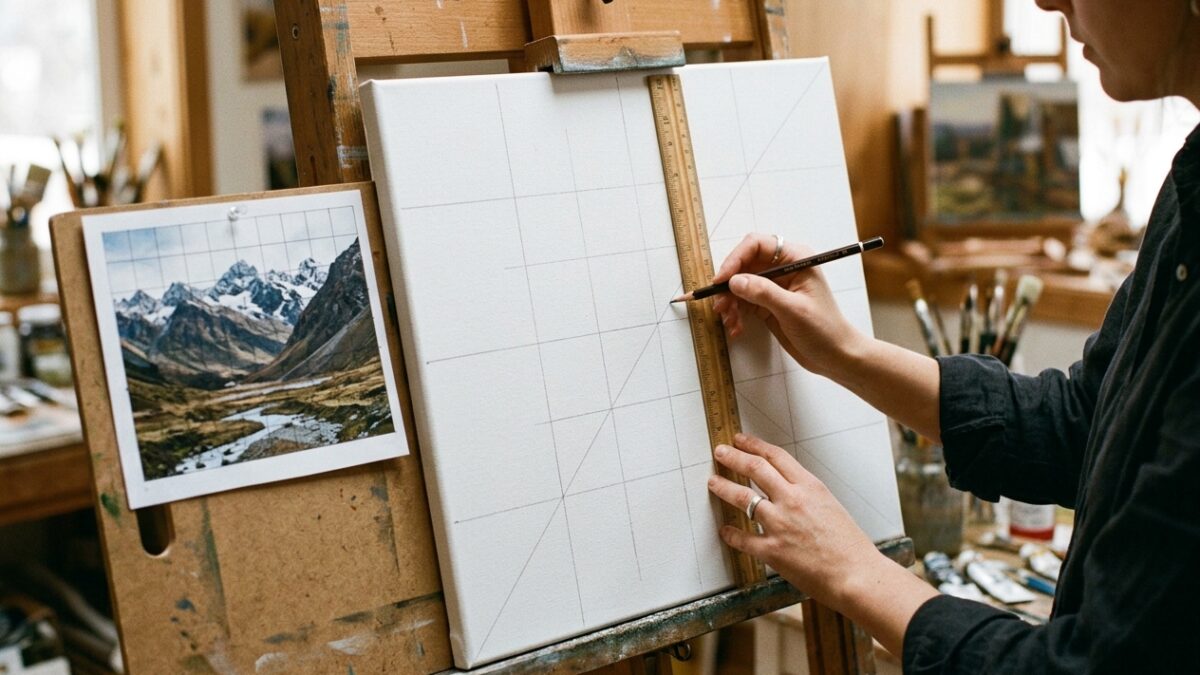
Master the grid method for drawing and canvas painting. Learn exact ratio formulas, grid density rules,…