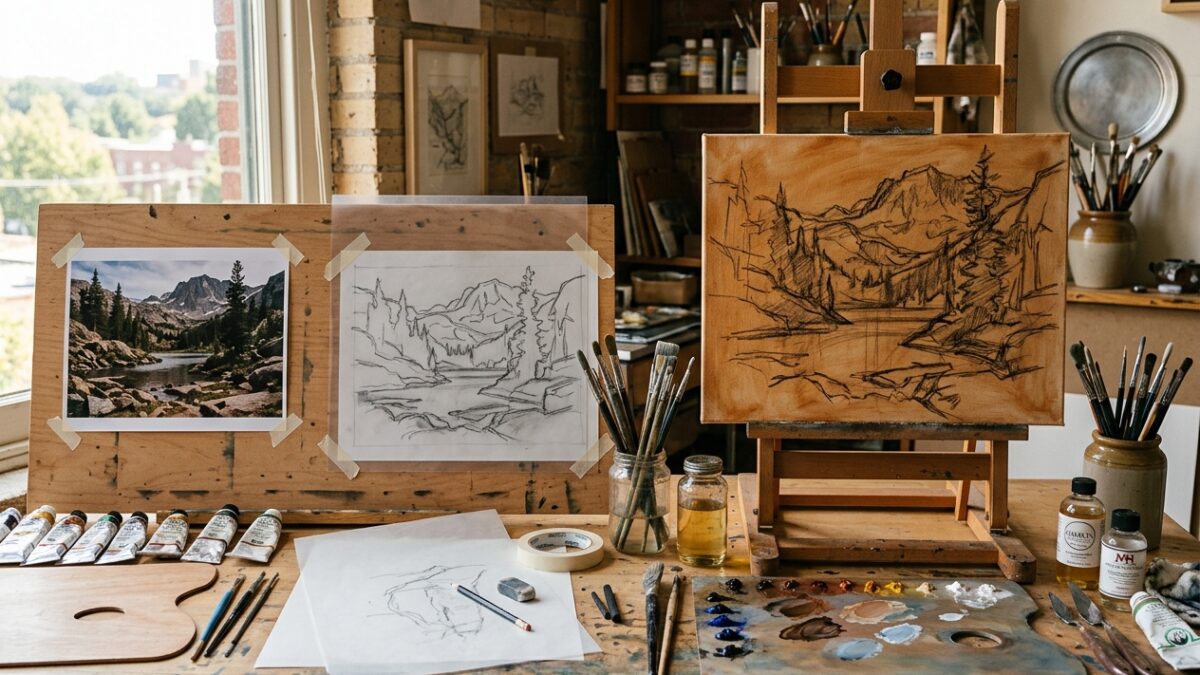
From Photo to Canvas: The Step-by-Step Atelier Prep Workflow for Modern Painters
Master the complete 4-stage atelier preparation pipeline: palette extraction, contour tracing, grid scaling, and imprimatura underpainting…
Whether standing before a blank linen canvas or planning a digital illustration, the arrangement of your focal points determines whether your painting captivates the viewer or feels static and unresolved. For centuries, classical painters from the Renaissance to the French academic tradition utilized mathematical proportions—specifically the Golden Ratio (Phi, approximately 1:1.618), the Fibonacci Spiral, and Dynamic Symmetry armatures—to guide the human eye gracefully across the picture plane. Pintado’s Golden Ratio Composition Tool allows you to overlay these classical geometric structures directly onto your reference photography. Instantly switch between the organic flow of the Fibonacci Golden Spiral, the classic Rule of Thirds grid, the 14-line Dynamic Symmetry Baroque armature, and Golden Triangles. Rotate and flip the spirals to align with your primary focal subject. Everything operates 100% client-side in your browser for unmatched speed and total image privacy.
Click to browse or drag and drop your artwork photo here
Drag and drop your landscape photo, figurative study, or preliminary composition thumbnail onto the canvas workspace. Images are rendered instantly without server uploads.
Choose between the Fibonacci Spiral, Rule of Thirds, Dynamic Symmetry, or Golden Triangles. Click “Rotate 90°” or “Flip Horizontal” to steer the tight apex of the spiral directly toward your primary focal point (such as an eye or horizon accent).
Change grid line colors (terracotta, gold, white, cyan) and adjust stroke opacity so the lines remain crisp without obscuring delicate underlying values. Download the composited image as a high-resolution PNG for your easel reference monitor.
Master the complete 4-stage atelier preparation pipeline: palette extraction, contour tracing, grid scaling, and imprimatura underpainting…
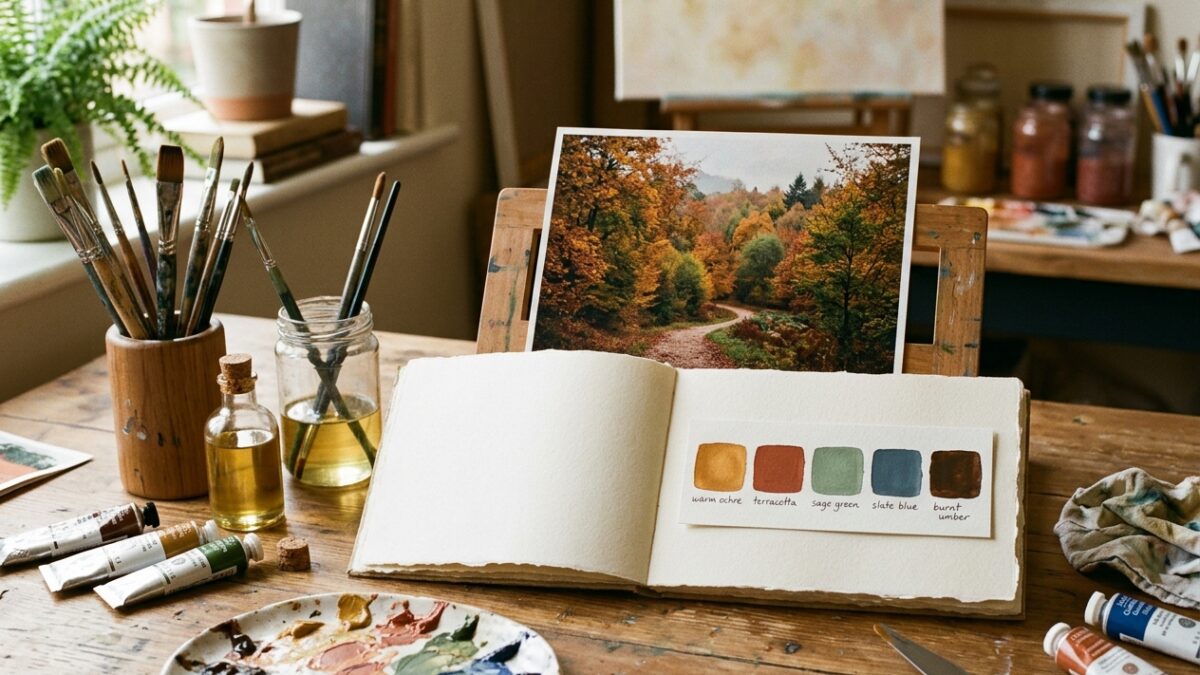
Overwhelmed by too many paint tubes? Learn how to extract a harmonious 5-color limited palette from…
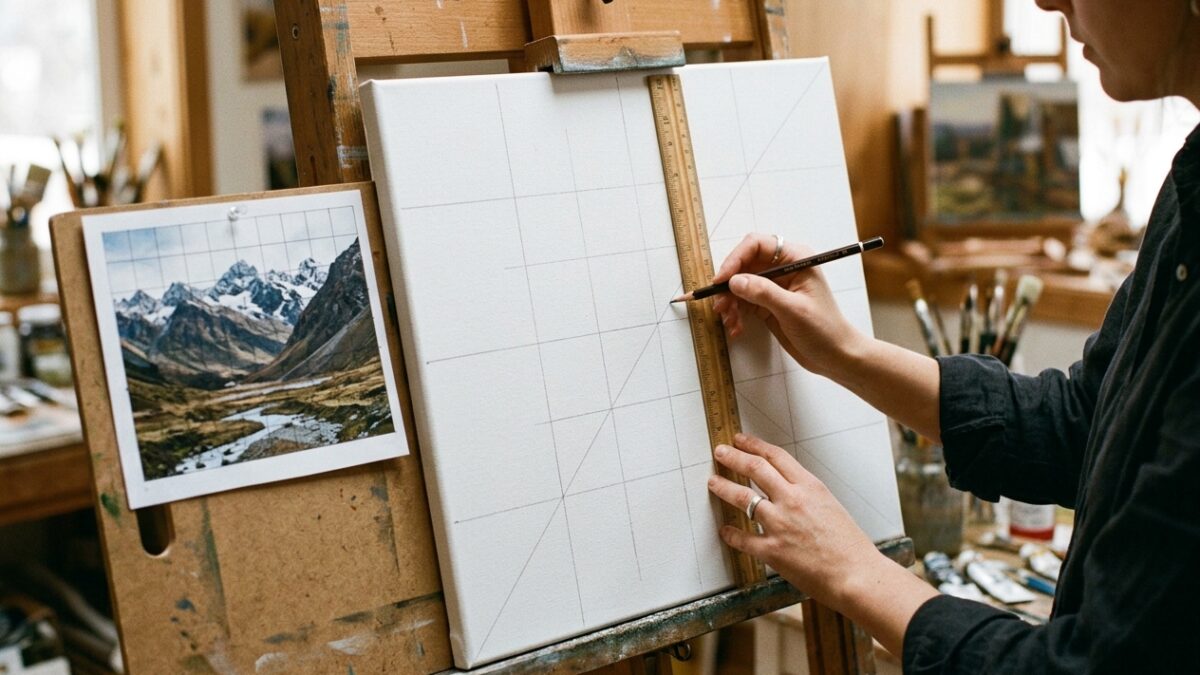
Master the grid method for drawing and canvas painting. Learn exact ratio formulas, grid density rules,…