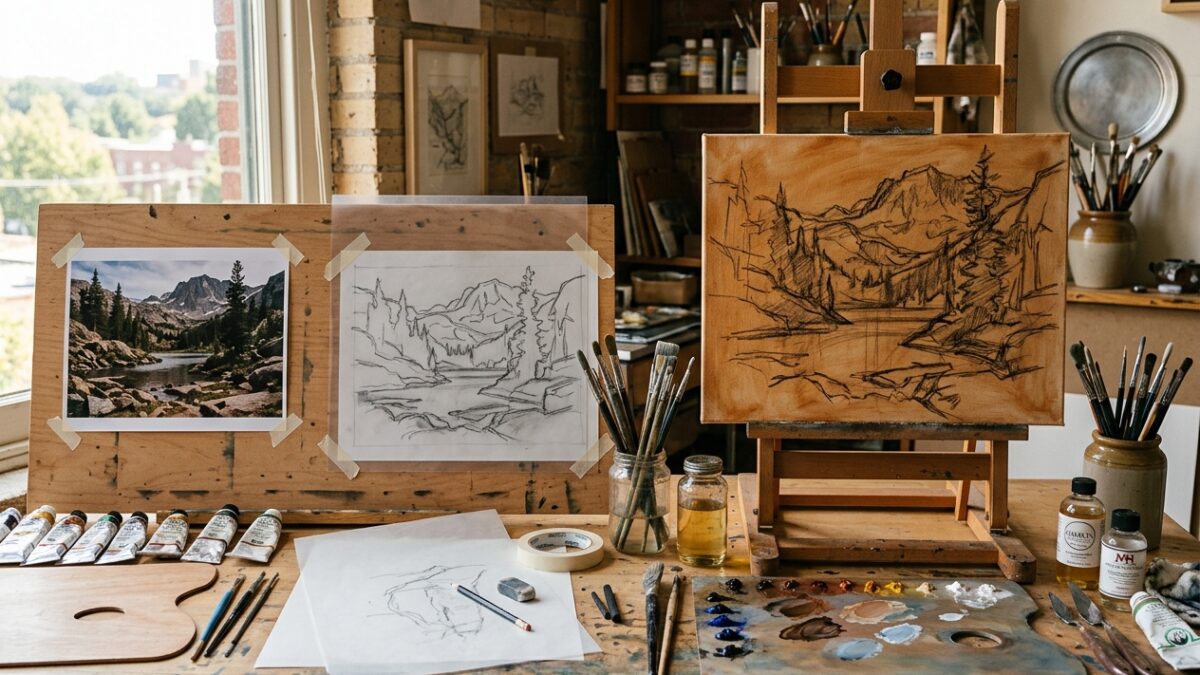
From Photo to Canvas: The Step-by-Step Atelier Prep Workflow for Modern Painters
Master the complete 4-stage atelier preparation pipeline: palette extraction, contour tracing, grid scaling, and imprimatura underpainting…
Dating back to the Renaissance masters, including Leonardo da Vinci and Albrecht Dürer, the grid method is one of the most reliable and time-tested techniques for drawing and painting with accurate proportions. By breaking down a complex reference image into manageable, discrete cells, artists can isolate individual contours, negative spaces, and value angles without being deceived by the brain’s optical preconceptions. Pintado’s Grid Method Calculator modernizes this atelier discipline for the digital era: simply upload your reference photograph to generate a fully customizable overlay grid. You can toggle between uniform square cells or custom column-and-row ratios, adjust line opacity and stroke thickness, activate classical atelier diagonal sight lines (X-cross guides), and display alphanumeric coordinate labels (A-Z, 1-N). Everything executes in local browser Canvas memory, guaranteeing complete privacy and zero image uploads.
Drop your reference photo here to overlay an artist proportion grid
Supports any aspect ratio with customizable cells, diagonals, and coordinates.Drop your reference photo into the workspace. The tool preserves the original image aspect ratio while adjusting resolution to ensure smooth 60fps rendering in your browser.
Choose between uniform square cells or custom column/row counts. Set a line color that contrasts clearly with your image (e.g. vivid terracotta or white against dark areas) and toggle on “Atelier Sight Diagonals” for triangular quadrant division.
Export the gridded artwork as a high-resolution PNG with coordinates burned in, or print a dedicated reference sheet. Draw corresponding light grid marks on your physical canvas or drawing paper, and transfer your drawing cell by cell.
Master the complete 4-stage atelier preparation pipeline: palette extraction, contour tracing, grid scaling, and imprimatura underpainting…
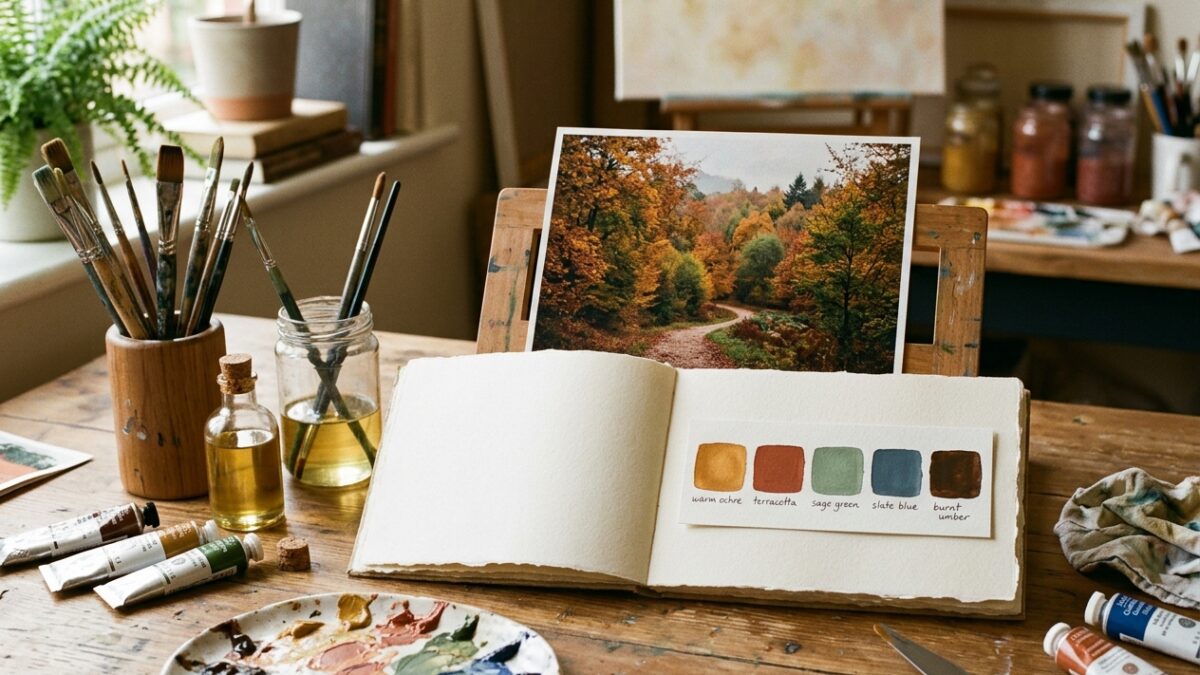
Overwhelmed by too many paint tubes? Learn how to extract a harmonious 5-color limited palette from…
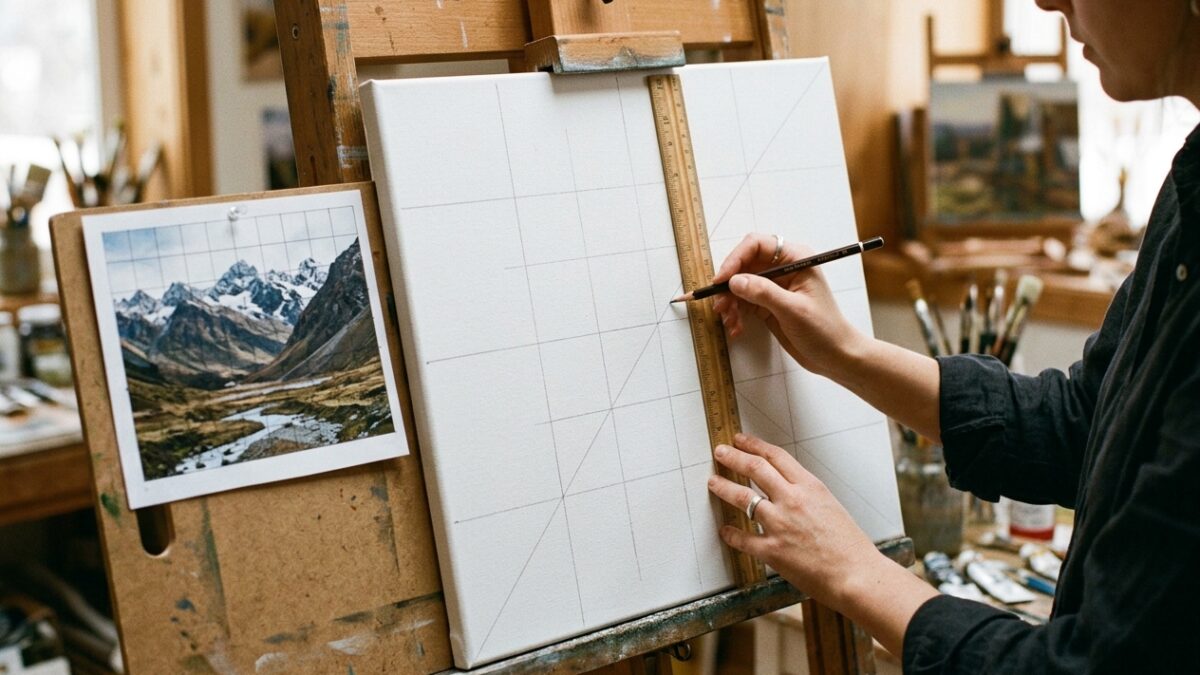
Master the grid method for drawing and canvas painting. Learn exact ratio formulas, grid density rules,…