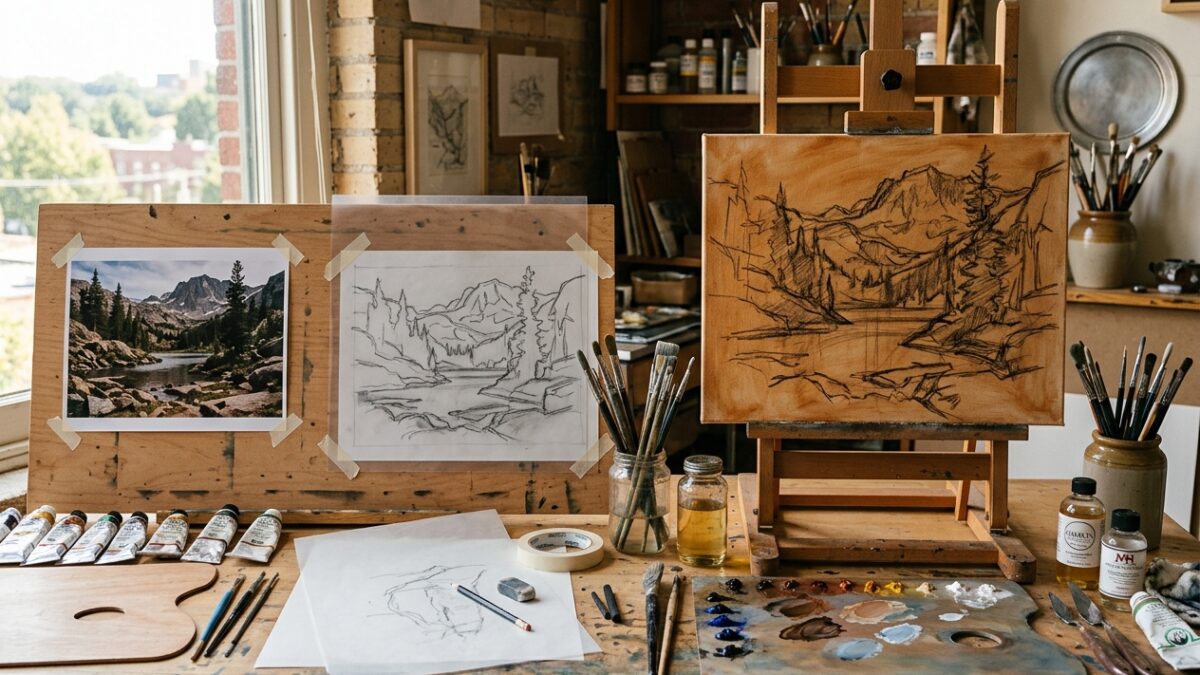
From Photo to Canvas: The Step-by-Step Atelier Prep Workflow for Modern Painters
Master the complete 4-stage atelier preparation pipeline: palette extraction, contour tracing, grid scaling, and imprimatura underpainting…
One of the most disheartening mistakes a painter can make is spending hours developing a detailed graphite transfer on a stretched canvas, only to discover that the reference photograph does not share the same proportion as the canvas board. A photograph taken on a modern smartphone usually has an aspect ratio of 4:3 or 16:9, whereas popular pre-stretched canvases come in ratios like 4:5 (8×10, 16×20, 24×30 in), 3:4 (9×12, 18×24 in), or 2:3 (12×18, 20×30 in). Pintado’s Canvas Aspect Ratio Scaler solves this problem before you apply your first stroke of gesso. Simply upload your photo or enter custom pixel dimensions, pick any standard imperial or metric canvas size, and immediately visualize the exact crop area, percentage of image lost, and the precise physical scale factor. Everything computes 100% locally in your browser for maximum speed and total privacy.
Drop photo here to auto-detect exact pixel dimensions
3:2 (1.50)
5:4 (1.25)
The photo is wider than your canvas. You will need to crop approximately 16% from the sides, or leave top/bottom borders.
Drag and drop your reference image or manually type your photo width and height. The calculator instantly computes your image’s simplified aspect ratio (e.g. 3:2, 4:3, 16:9).
Choose from standard studio canvas sizes (8×10, 9×12, 11×14, 16×20, 18×24, 24×36 in, or ISO metric A4, A3, A2, A1) or enter custom dimensions. The interactive comparison canvas renders a real-time overlay showing exactly what fits and what gets cropped.
Check the “Fit Assessment” badge (Perfect Fit, Minor Crop, or Significant Crop). Use the calculated scale multiplier (e.g. 1 cm in photo = 2.4 cm on canvas) to lay out your physical drawing marks accurately with a ruler or divider.
Master the complete 4-stage atelier preparation pipeline: palette extraction, contour tracing, grid scaling, and imprimatura underpainting…
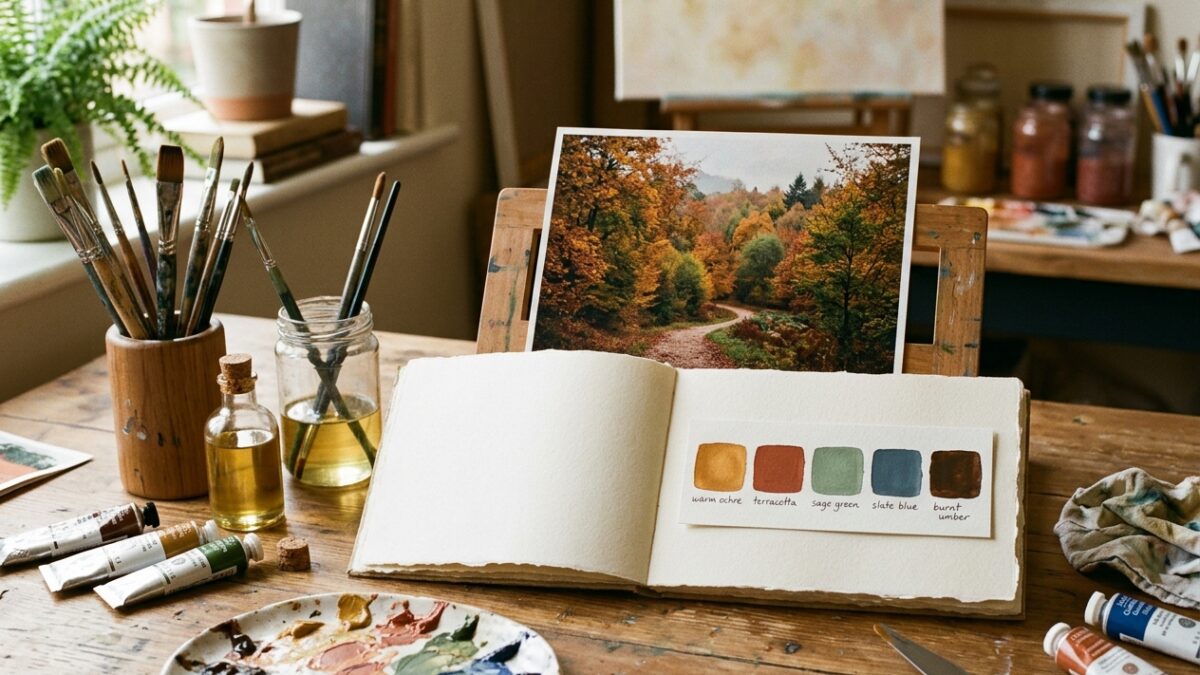
Overwhelmed by too many paint tubes? Learn how to extract a harmonious 5-color limited palette from…
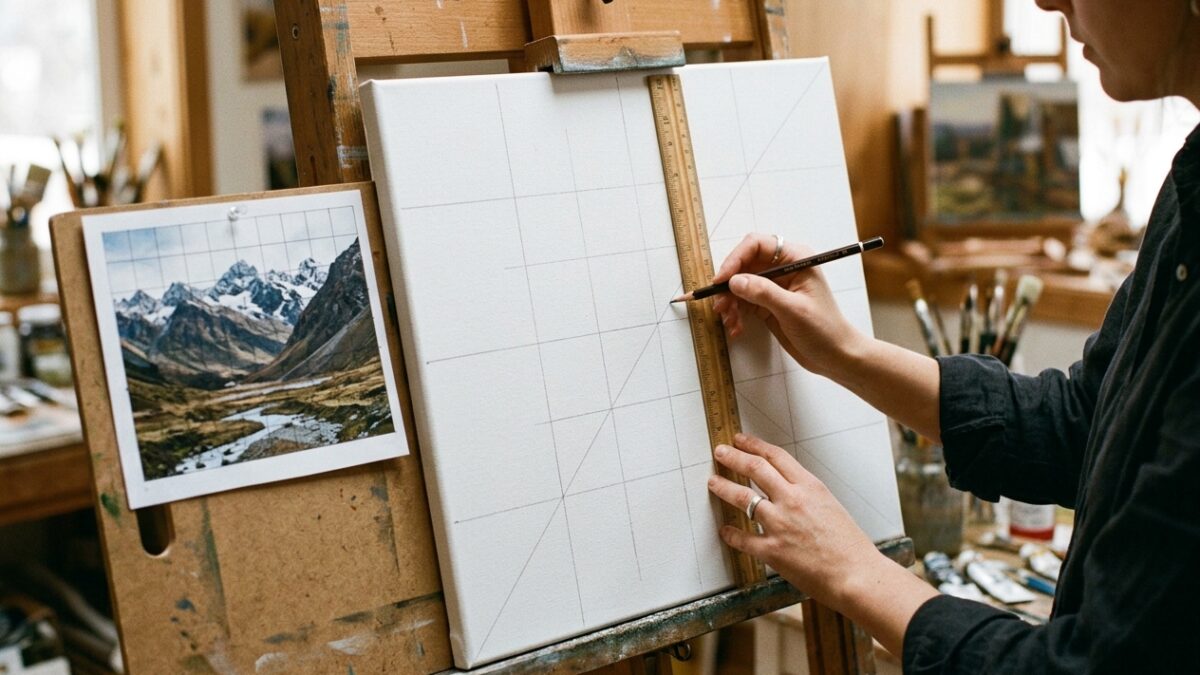
Master the grid method for drawing and canvas painting. Learn exact ratio formulas, grid density rules,…